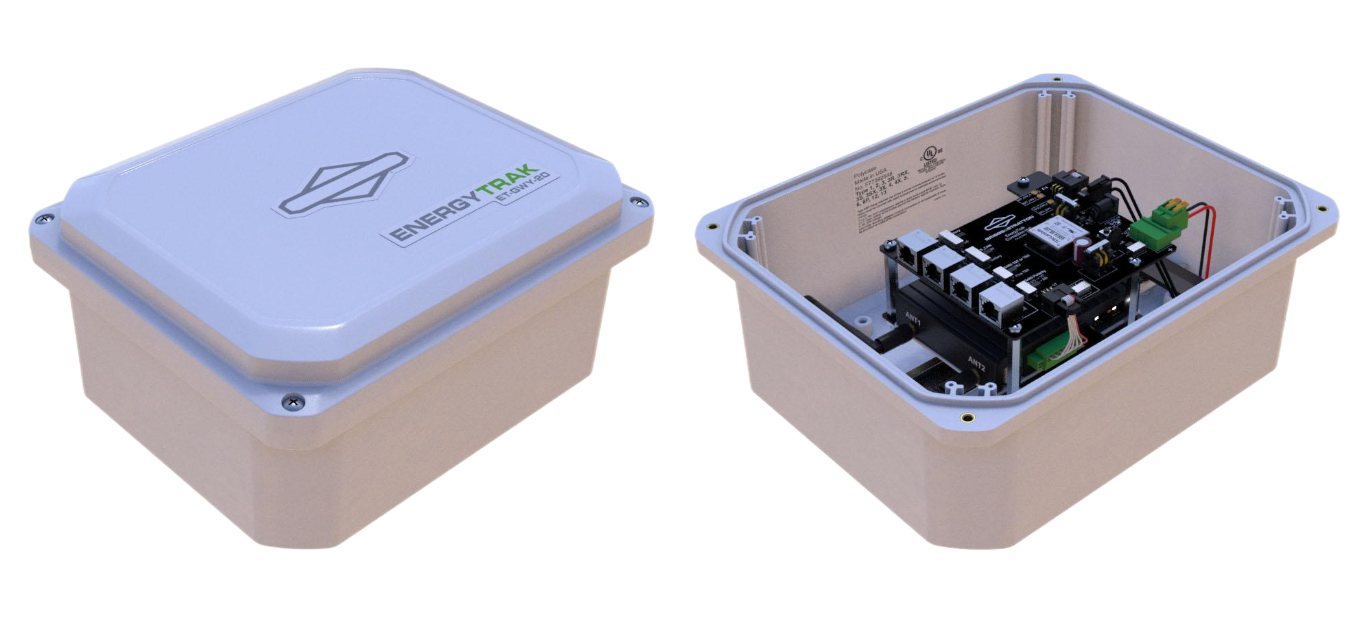
EnergyTrak Gateway 2.0
The EnergyTrak Gateway 2.0 connects your battery to the app, providing real-time data to keep your energy storage system operating smoothly. Installation and setup resources can be found in the manual below.
Installation Manual
EnergyTrak Gateway 2.0 Installation Manual
InfoHub Migration Guides
InfoHub Migration Guide for Pros
InfoHub Migration Guide for System Owners
Hardware Troubleshooting
Please refer to the installation manual for hardware troubleshooting steps. For further assistance, contact support.
Contact Support
If you have completed the troubleshooting procedures and the issue persists, contact EnergyTrak Technical Support.